Compare / Smallpdf Alternative
PDF · Split PDFA Smallpdf Split PDF Alternative: VadeKit PDF Splitter
Looking for a Smallpdf alternative just for splitting PDFs? Smallpdf's Split tool is quick and needs no install - its free tier covers occasional use, and Pro removes the daily task cap. VadeKit's PDF Splitter does the same job locally: split by page range or into equal-sized chunks, for a one-time $24 instead of a subscription.
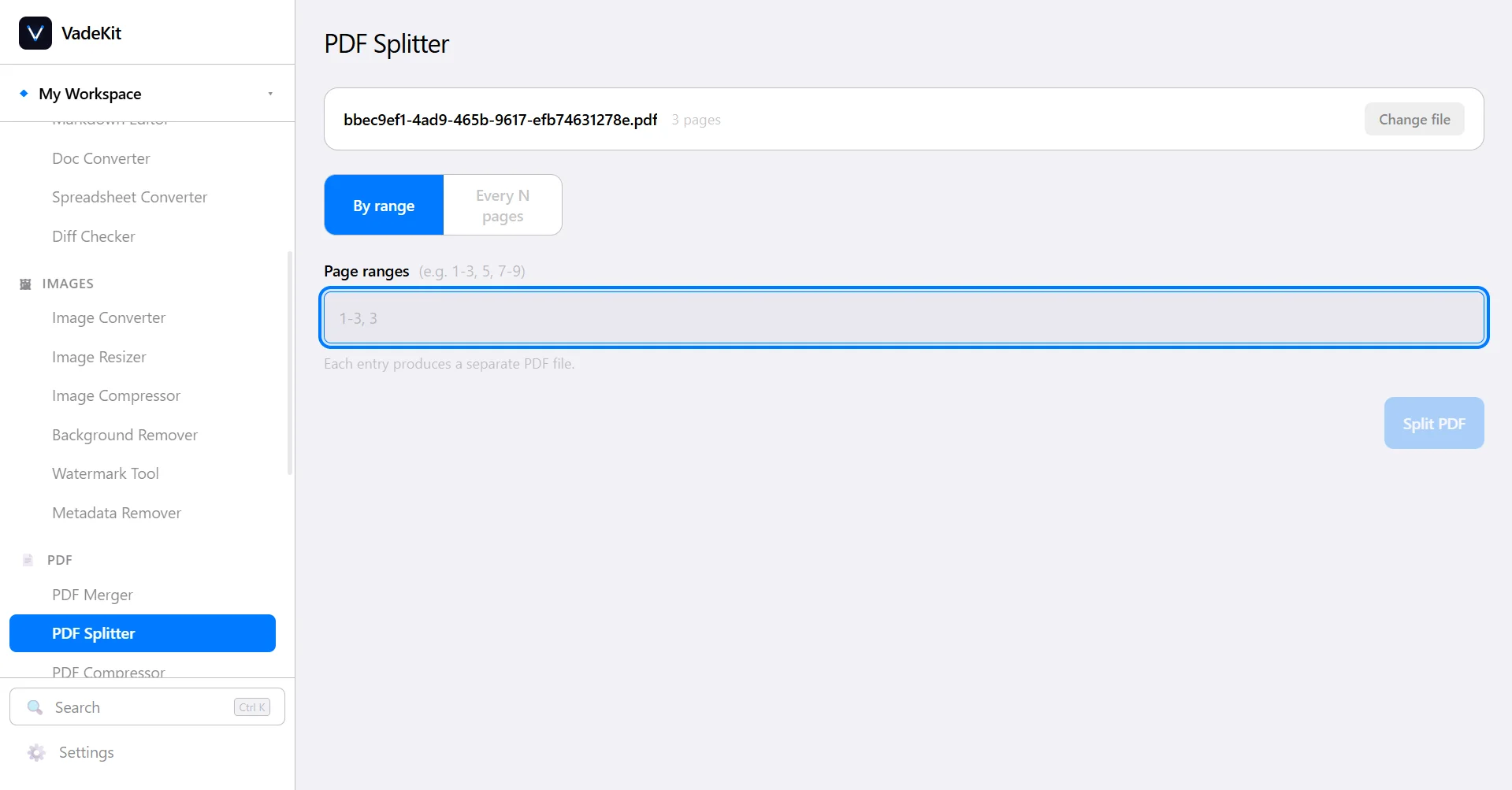
If you split PDFs occasionally and don’t mind a browser tab, Smallpdf’s free tier is fine. If the files are sensitive, or you’d rather pay once than subscribe, VadeKit’s PDF Splitter fills that gap - plus five other PDF tools in the same $24.
Why choose VadeKit's PDF Splitter
VadeKit's PDF Splitter runs the split on your machine, so the file never leaves your device - useful for anything sensitive. It's part of the same $24 one-time purchase as five other PDF tools, including Merger, Compressor and Encryptor.
When Smallpdf still makes sense
Smallpdf is worth using for a quick, occasional split from whatever browser you already have open, with no install and no account needed for light use.
See the full PDF Splitter feature tour in VadeKit.
Frequently asked questions
What is a good offline alternative to Smallpdf for splitting PDFs?
VadeKit's PDF Splitter is a $24 one-time alternative that splits by page range or into equal-sized chunks, entirely on your device, with no upload and no subscription.
Does VadeKit split PDFs by file size like some tools?
No - VadeKit's PDF Splitter splits by page range or a fixed number of pages per chunk, not by target file size.
Is an internet connection needed to split a PDF in VadeKit?
No. VadeKit runs entirely on your device. Smallpdf is a web app and needs a connection every time.
Pricing and feature details for Smallpdf were checked against their own site and may have changed since - always confirm on Smallpdf’s pricing page before deciding.